Category: Music

  • The Renewed Popularity of Turntables in the age of Digital Music

    The Renewed Popularity of Turntables in the age of Digital Music

    History of Vinyl Records

    Vinyl records have been a staple of music history for over a century. From the early days of shellac records to the resurgence of vinyl in recent years, these flat discs with microgrooves have captured the hearts of music lovers everywhere. In honor of National Vinyl Record Day, let’s take a journey through the history of vinyl records, complete with a timeline and fun facts.

    First, let’s define what a vinyl record is. A vinyl record is a type of material used to store recorded sound. It is a flat disc with microgrooves running around the top (and often also the bottom) of the record. These microgrooves contain the music. When placed on a record player, the disc begins spinning, and a needle (also known as a stylus) is lowered into the grooves. The needle sits in the grooves and follows them around the record, playing the sound contained in the grooves.

    The material composition of vinyl records is what gives them their name. Records today are made from polyvinyl chloride (PVC), hence the nickname “vinyl.” Polyvinyl chloride can be of many different colors, which is why you might see some colored vinyl in your record-collecting adventures. However, the earliest records invented were made from shellac, so these would technically just be records and not vinyl records.

    Shellac records were the standard for most of the early 20th century, but their production decreased during World War II due to the shortage of shellac. As a result, records started being pressed more frequently on vinyl. Shellac records eventually stopped being made around 1960, due to their fragility and heavier weight compared to vinyl. Although vinyl records are more prone to warping and scratches, they are considered a better material because they have less audio feedback.

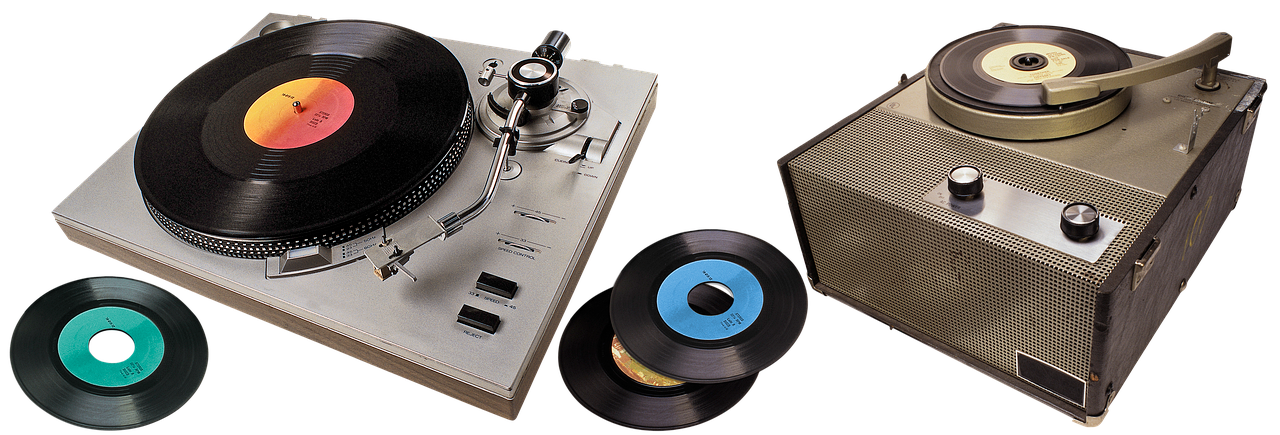
    Record player

    Records come in various sizes, with the most common sizes being 12″, 10″, and 7″ records. Most albums are recorded on 12-inch records, and most singles are recorded on 7-inch records. Records are also made with different revolutions per minute (RPMs). The most common RPMs are 331⁄3, 45, and 78. You can usually tell the RPM of a record by looking at the label, and most modern record players have multiple RPM settings.

    Now let’s take a look at the timeline of events that make up the history of vinyl records. In 1857, Léon Scott patented the Phonautograph invented by Édouard-Léon Scott de Martinville. The Phonautograph was a device that could record sound and make a printout of the sound waves but could not play them back. However, this invention laid the foundation for future developments in sound recording and playback.

    In 1877, Thomas Edison invented the phonograph, which used a cylinder as the medium for recording sound. It was not until 1889 that Emile Berliner invented the first record player that used a flat disc as the medium for recording sound, which was the start of the vinyl record as we know it today.

    The history of vinyl records is a fascinating chapter in the story of music. From the early days of shellac records to the resurgence of vinyl in recent years, these flat discs have captured the hearts of music lovers everywhere. Whether you’re a record collector or just a music enthusiast, it’s important to remember the role that vinyl records have played in shaping the music industry.

    References:

    The Renewed Popularity of Vinyl Records in the age of Digital Music
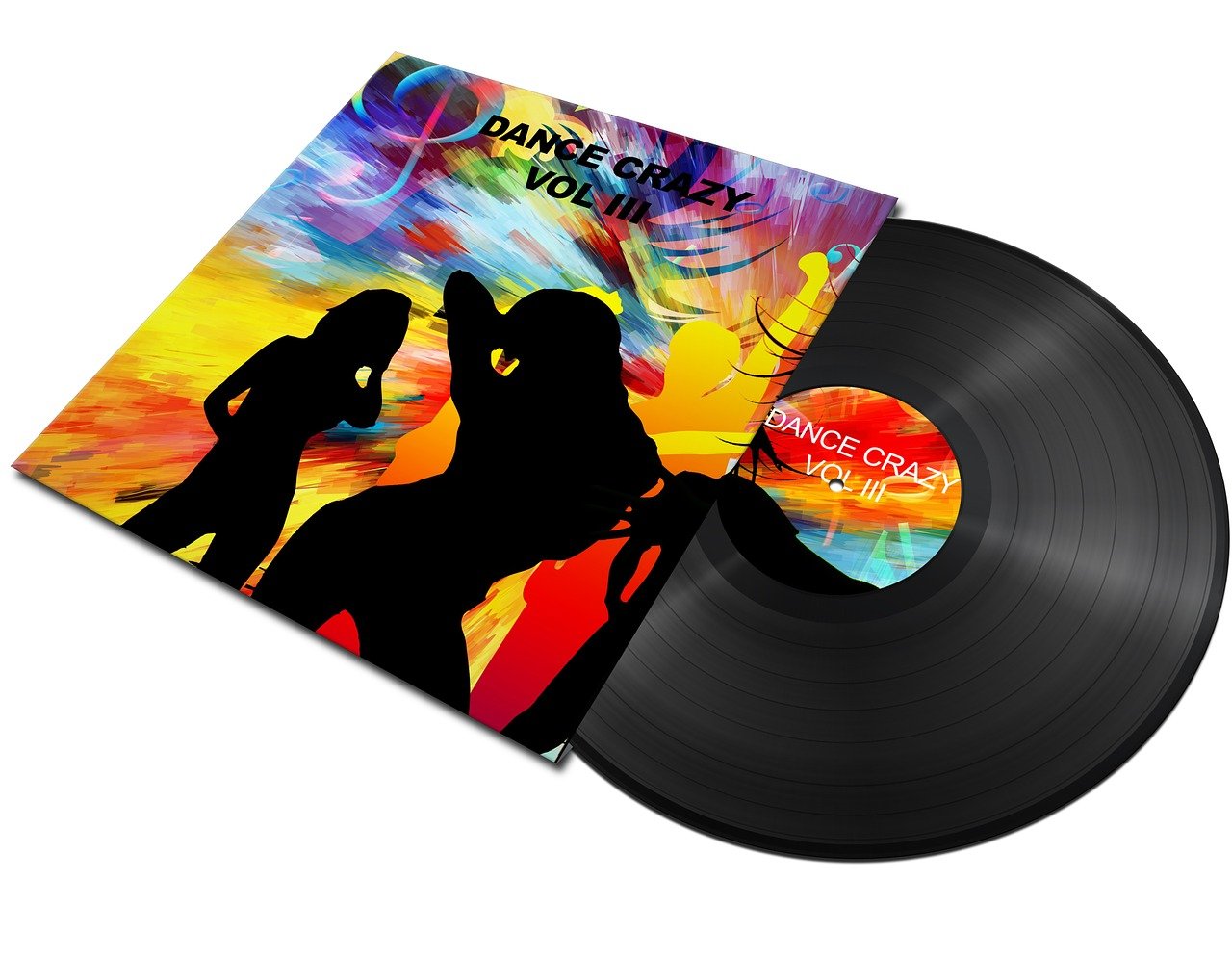
    vinyl recorder

    Vinyl records have experienced a resurgence in popularity in recent years, even in the age of digital music. The question on many people’s minds is: why are vinyl records experiencing a resurgence in popularity? In this blog post, we will explore some of the reasons behind the renewed popularity of vinyl records.

    Firstly, many people argue that the sound quality of vinyl records is superior to that of digital formats. Vinyl records are analog, meaning that the music is stored as a physical groove on the record. This results in a warmer, more natural sound that many people find more pleasing to the ear than the digital sound of CDs or MP3s. The sound of vinyl is also considered to be more dynamic and has more depth when compared to digital formats.

    Another reason for the renewed popularity of vinyl records is the tactile experience of listening to music on a turntable. Playing a record involves physically taking it out of its sleeve, placing it on the turntable, and carefully adjusting the needle. This physical interaction with the music makes listening to a record a more immersive and personal experience.

    Many people also argue that vinyl records are more collectible than digital music. Vinyl records are often seen as art pieces, with unique cover art and liner notes. Collecting vinyl records is a hobby that many people find to be very fulfilling, and it gives them a sense of connection to the music and the artist.

    Vinyl records are also a medium for preserving Music History. Many of the classical and jazz records are not available in digital format and can only be found in vinyl. This makes Vinyl records a valuable asset for music historians, collectors, and audiophiles.

    In addition, the recent resurgence in vinyl records has also had an impact on the music industry. Vinyl sales have risen sharply in recent years, and many artists are now releasing their music on vinyl in addition to digital formats. This has led to the opening of new vinyl pressing plants and record stores, providing jobs and revenue for the music industry.

    record player

    In conclusion, vinyl records have experienced a resurgence in popularity for a variety of reasons. The warm, natural sound of analog music, the tactile experience of listening to a record, the collectability of vinyl, and the preservation of music history are all factors that have contributed to the renewed popularity of vinyl records. With the advancements in technology and the increasing number of music listeners who appreciate the warmth of analog sound, vinyl records will continue to be relevant and important medium in the music industry.

    References:-
     

  • How to Digitize All Your Vinyl Records for Mobile Device Listening

    How to Digitize All Your Vinyl Records for Mobile Device Listening

    Take your vinyl with you – don’t leave it at home!

    Vinyl records have experienced something akin to rebirth after all the years that CD and digital music formats have largely dominated the consumer space. With a good home stereo system, you can hear the differences in-depth and detail that an LP delivers over a CD – it’s not unlike enjoying a custom-blend pour-over coffee versus the house’s regular brew. But what if you want to take that rich sound with you to playback through computers or mobile devices, like smartphones and tablets? With the right equipment, you can digitize your vinyl collection in no time!

    What You Need

    There is no one single way to convert analog music from a vinyl LP to a digital format, such as MP3, AAC, FLAC, or others. You just have to make sure you have the right combination of hardware, software, and careful patience in order to accomplish the task. There are a few more steps within the process of digitizing vinyl versus a CD, which is often a one-button affair. First, depending on the type of turntable and stereo receiver you own, you may or may not need to incorporate a separate phono preamp (needed for delivering a strong enough output for recording/playback). You’ll also want to check the audio connection types available on the computer that will be hosting the recording software. But once set up, this is a great way to preserve older recordings and add them to your favorite mobile playlists.

    Difficulty: Moderate

    Time Required: Varies

    Set Up the Turntable

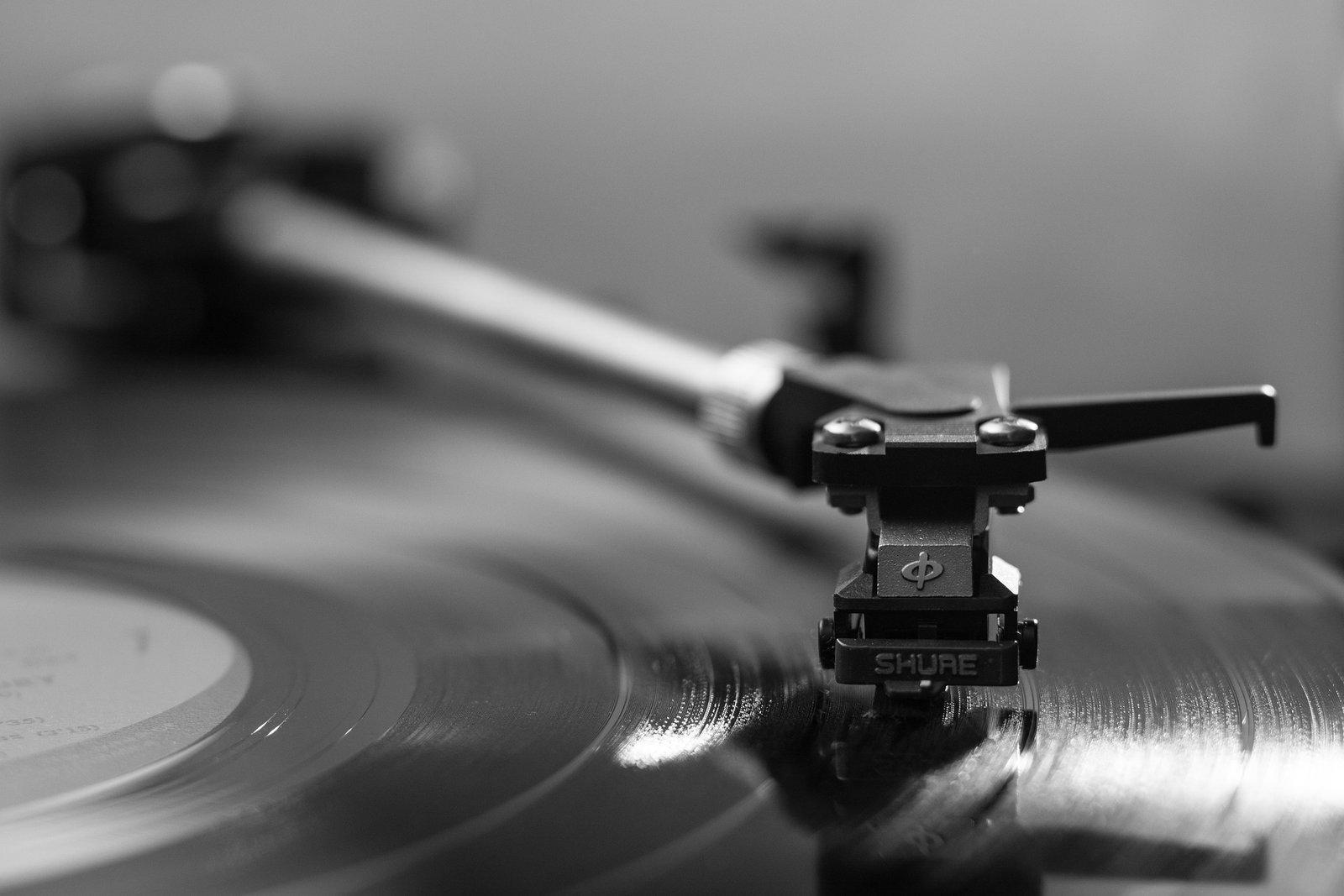
    Turntables tend to be far more precise/finicky pieces of equipment than your everyday CD/DVD player. Before you start recording, you’ll want to check that the turntable is working it’s best. Make sure that the unit is resting flat (a bubble level will help) on a solid surface (i.e. vibration-free) and that the cartridge and needle are in good condition. If the turntable can be aligned/calibrated, it’s worth doing so right now. You wouldn’t want to spend all the time digitizing music just to find that the sound had been slightly off. Listen for any motor hum or vibration from the turntable as it plays, since such undesired noises will transmit through the process.

    Clean Your Records

    Clean your vinyl before recording, even if it looks clean to the naked eye. Dust particles, airborne fibers, or oils left on the surface from being handled by fingers can easily accumulate in the grooves, which can throw off the purity of playback by adding noise. Wet and/or dry cleaning systems can be purchased online and are generally inexpensive and effective.

    Check the Hardware Connections

    The simplest way to convert LP records to a digital format is through a USB-connected turntable. Many of these models, such as ones from Audio-Technica or Ion Audio, have built-in preamps, ADCs (analog-to-digital converters), and also line-level outputs that can connect to audio inputs on stereo speakers, receivers, or computer sound cards. Some turntable systems also feature the ability to convert and transfer the files directly to a CD or USB flash drive, essentially bypassing the need for a computer with separate software. But if your turntable has a USB digital output connection, all you need to do is plug into an open USB port on a desktop or laptop computer, and then run your desired software.

    If Your Turntable Has No USB Ports

    If your turntable does not have a USB connection but does have a built-in preamp, you can connect the line-level output from the turntable to a port on a desktop or laptop (typically through an RCA-to-3.5 mm audio cable). Most motherboards in desktops and laptops have a built-in ADC that can accept a line-level audio source. If you’re unsure, check the product manual for the location of the proper port. More advanced computer sound cards feature additional types of audio input connections, such as RCA or TOSLINK digital, so you can also check for that compatibility between your pieces of equipment.

    No Preamp?

    If your turntable does not have a built-in preamp, then you’ll likely have to route the audio signal through your home stereo receiver’s phono input first (most systems should have this), before connecting the receiver line-level output to a computer’s input. Take note, that this may add some extra steps to adjust receiver settings for optimal audio output.

    Another hardware option to use with a non-USB turntable is a combination phono/line level preamp with USB output, such as the NAD PP-3 Digital Phono Preamp (also useful if your receiver doesn’t have a phono input). Although convenient, many USB-connected turntables can be considered cheap (in addition to inexpensive) when compared to audiophile-grade models. But an external digital phono preamp offers the best of both worlds, allowing users to harness the power of an ADC with preamp and a handy USB output. This way, you can connect a higher-quality turntable to most any modern computer system. Many of these digital phono preamps work with both moving magnet and moving coil phono cartridges for turntables, and often come bundled with recording software.

    Choose and Configure the Software

    In order to have analog vinyl music digitized and saved onto a computer, you’ll need the right kind of software. Many USB turntables come with PC-/Mac-compatible audio recording and editing software. You can also find free or trial-version downloads for general-purpose software as well as ones specifically geared towards digitizing vinyl. General audio software titles, like Audacity, are quite popular and have been successfully used by many. However, ones more specific for LPS, such as Vinyl Studio, can provide advanced functions for inserting track breaks, importing music, scratch/noise removal, automatic equalizing, metadata support, and more.

    CONSIDER ALL THE OPTIONS

    It’s worth taking the extra time to explore various programs to see which ones might work best for you. Some may be simple to use and configure, while others can be more robust with a host of useful (e.g. audio quality, file format, volume/recording channels, etc.) and adjustable preferences. Those who own smaller collections of vinyl may not care about the amount of automation performed by software. However, if you have a lot of records to process, you’ll probably want to minimize the manual work involved. Software that sources music databases can take care of track labeling (artist, album title, album year, track titles, music genre, album art, etc.) so you don’t have to look up and enter in everything by hand.

    DOUBLECHECK HARDWARE REQUIREMENTS

    Make sure that the computer/laptop is able to meet the hardware requirements (e.g. processor speed, available disk space, RAM) of the software. Audio files can end up being quite large and taxing on the system during the recording process, so it’s usually a good idea to close down all other running programs while doing so. Once everything has been set up and ready to go, fully digitize one vinyl record and then have a listen to the finished files. If some adjustments need to be made, you’ll want to do that first before moving on. Otherwise, continue working with each record in your collection and enjoy being able to play all your favorites on any computer, smartphone, tablet, or digital media player!

    Best Places to Buy Vinyl Records Online

    7inchrecords – 7″ records for sale – illustrated discography – Beatles and collectible music
    Amoeba Music | The World’s Largest Independent Record Store
    Boomkat: Independent Music Specialist selling Vinyl, CD’s, Cassettes and Downloads
    Classical Music Vinyl | Presto Music
    Discogs – Music Database and Marketplace
    Jazz, Soul, Funk, Hip Hop, R&B, Latin, Brazil & more LPs, CDs, Vinyl Records, Albums, & 45s New & Used — Dusty Groove is Chicago’s Online Record Store
    Mail Order Vinyl Records | Buy Records Online | Planet Earth Records
    Jazzhound.net – The Home of Mark Berresford Rare Records

    Love music and want to promote peace around the world?

    Then check out Music For World Peace Records